
PRICE & BARCODE LABELS
MRP sticker with barcode, free to make and print
A barcode MRP sticker carries the product name, its MRP, the net quantity and your shop barcode with its number under it. Type your details, see the sticker as you go, and print on A4 label sheets with your normal printer or on a label roll.
Make yours free now: a PDF from your browser, no account. Use this template: the same sticker in the Tamvya editor, for sheets and rolls.
Free tools: Check this barcode Make this barcode free
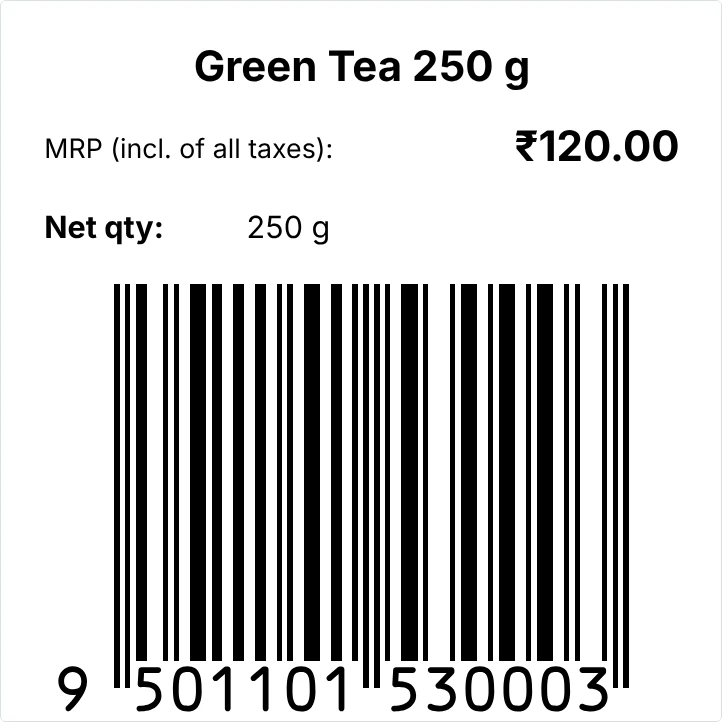
What’s on it
- Product name
- MRP (incl. of all taxes)
- Net quantity
- A shop barcode with its number under it
Change any of it in the editor: text, sizes, your logo, or the label size.
Print it in 3 steps
Open the template
It opens in your browser with empty boxes for your details. No sign-up needed to try it.
Type your details
Your product, price and barcode number. Tamvya checks the number and the barcode’s size as you type.
Print or save a PDF
On A4 label sheets with a normal printer, or on a label roll. Print one first and check it before you print many.
Questions
Something else? Contact us.
What size should an MRP sticker with barcode be?
This template is 50 × 50 mm: room for the name, the MRP, the net quantity and a barcode big enough to scan. 50 × 38 mm also works for short names. Without a barcode a sticker can be much smaller, such as 50 × 25 or 38 × 25 mm. The free MRP label maker makes 50 × 25, 50 × 38, 75 × 38 and 100 × 50 mm. Measure the flat space on your pack and print one before you print many.
What must an MRP sticker show?
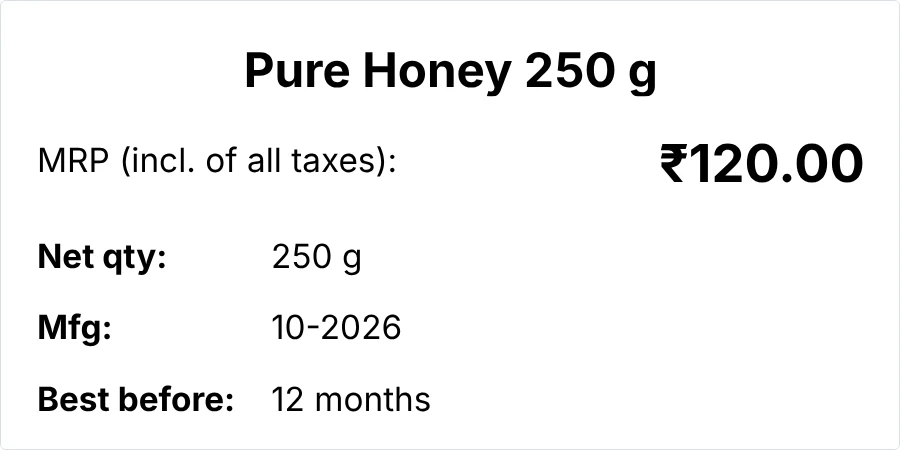
Usually the product name, the MRP (incl. of all taxes) and the net quantity, and often the manufacturer or packer’s name and address, the month and year of manufacture or packing, and a customer care contact. What your product needs depends on what it is and how you sell it: see the Legal Metrology (Packaged Commodities) Rules from the Department of Consumer Affairs, and FSSAI’s labelling rules for food. Tamvya gives you the boxes; it can’t tell you that your label meets the rules.
Do I need a barcode on my MRP sticker?
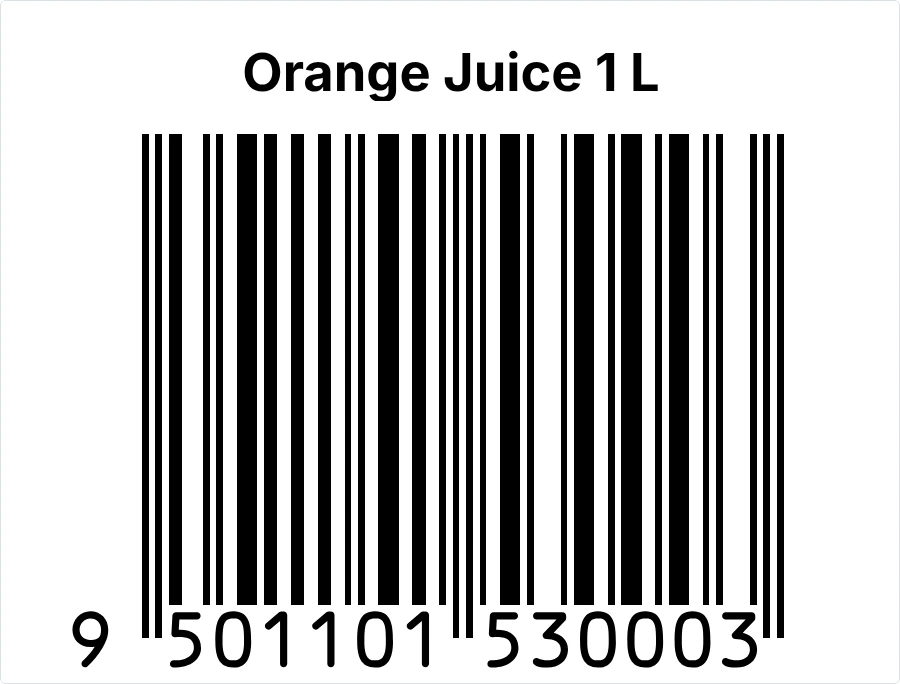
Only where products are scanned: supermarkets, chain stores and many retailers ask for one. A shop barcode needs a number your business owns, from GS1 India. Selling over your own counter? A small MRP sticker without barcode shows the price and fits more to a sheet. Already have a number? Check it free before you print.
Will the barcode fit on a 50 × 50 mm sticker?
Yes. The template places the barcode at a size Tamvya accepts for this sticker. If you make the label or the barcode smaller, Tamvya tells you when the barcode gets too small. Scan a printed sticker before you print many.
Is the MRP sticker maker free?
Yes. The free MRP label maker makes one sticker at a time as a PDF, in your browser, with no account. This template opens in the Tamvya editor, where you can print sheets and rolls and save your design; the Free plan includes 5 prints or exports every 30 days.
Mrp sticker kaise banaye?
Open the free MRP label maker or this template, type the product name, MRP and weight, add your barcode number, and press Print. Choose “Sheet” for A4 label paper or “Roll” for a label printer. Hindi and Hinglish work in the AI box too.
Print your first sheet of stickers in minutes.
Free to try, no card needed. New accounts get a 14-day Pro trial.