
PRICE & BARCODE LABELS
Barcode stickers for your products, from your own numbers
Type your barcode number and the product name. Tamvya checks the number’s check digit and the barcode’s size, then prints it on sheets or a roll.
Free to try. Opens in your browser; sign up when you want to keep it.
Free tools: Check this barcode Make this barcode free
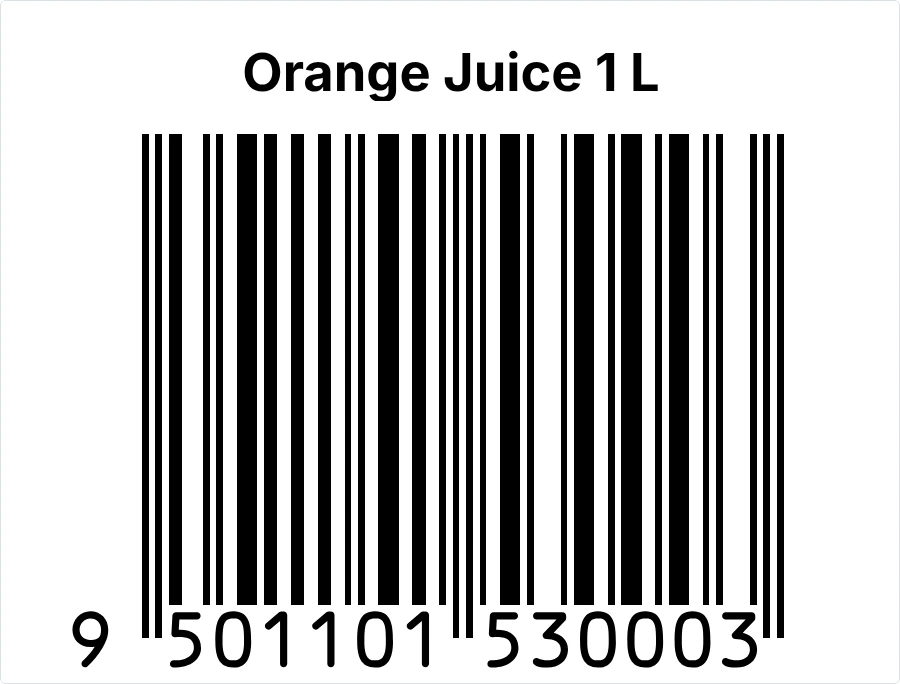
What’s on it
- Product name
- A shop barcode with its number under it
Change any of it in the editor: text, sizes, your logo, or the label size.
Print it in 3 steps
Open the template
It opens in your browser with empty boxes for your details. No sign-up needed to try it.
Type your details
Your product, price and barcode number. Tamvya checks the number and the barcode’s size as you type.
Print or save a PDF
On A4 label sheets with a normal printer, or on a label roll. Print one first and check it before you print many.
Questions
Something else? Contact us.
Where do I get barcode numbers?
From GS1 in your country, such as GS1 India or GS1 US. You buy a range of numbers for your business. Tamvya doesn’t sell or issue them.
What does Tamvya check?
That the number is 13 digits with a correct check digit, and that the barcode isn’t printed too small. Scan a printed label before you print many.
Can I add the price to the sticker?
Yes. Add a text box in the editor, or start from the price sticker with barcode, which has the price and net quantity already.
Will it scan at the shop?
A correct number printed at a good size usually scans well. Test a printed label with a scanner or a phone first; printers and label paper vary.
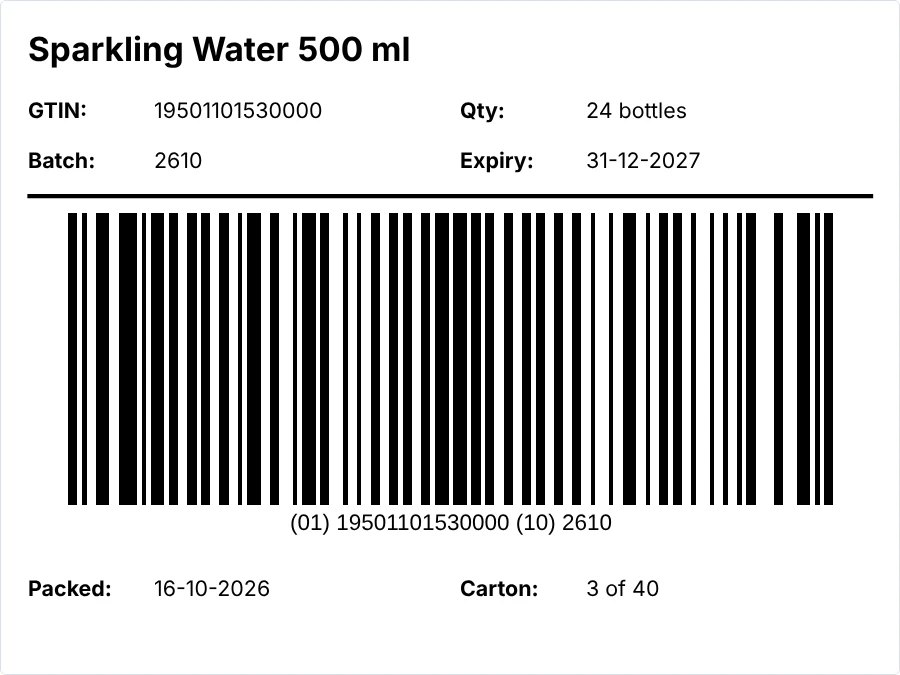
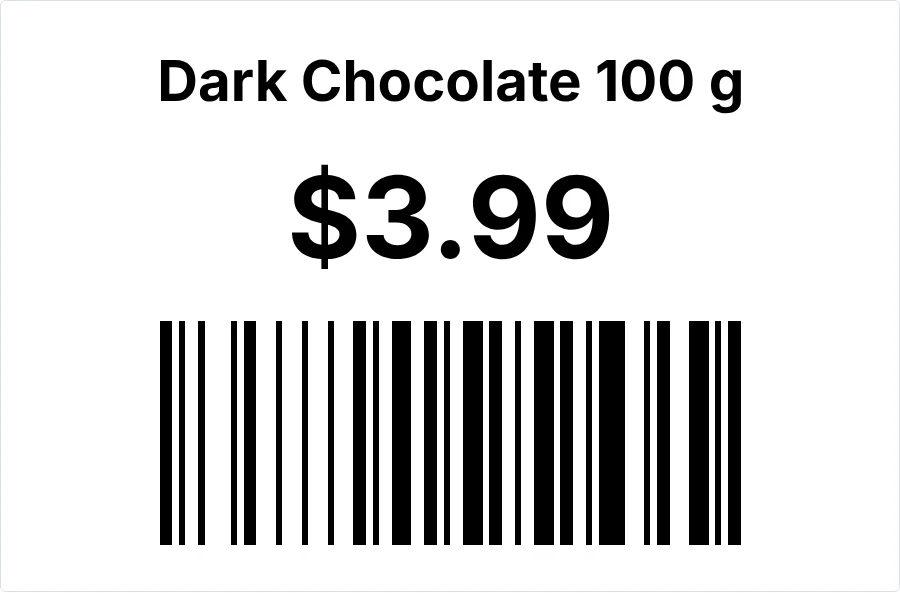
Print your first sheet of stickers in minutes.
Free to try, no card needed. New accounts get a 14-day Pro trial.