
FOOD & HANDMADE
Batch number and expiry date labels, in hundreds
Product, batch number, manufacture and expiry dates, with the batch as a barcode. Print one, or hundreds from an Excel sheet with serial numbers.
Free to try. Opens in your browser; sign up when you want to keep it.
Free tools: Check this barcode Make an MRP sticker freeMake a barcode free
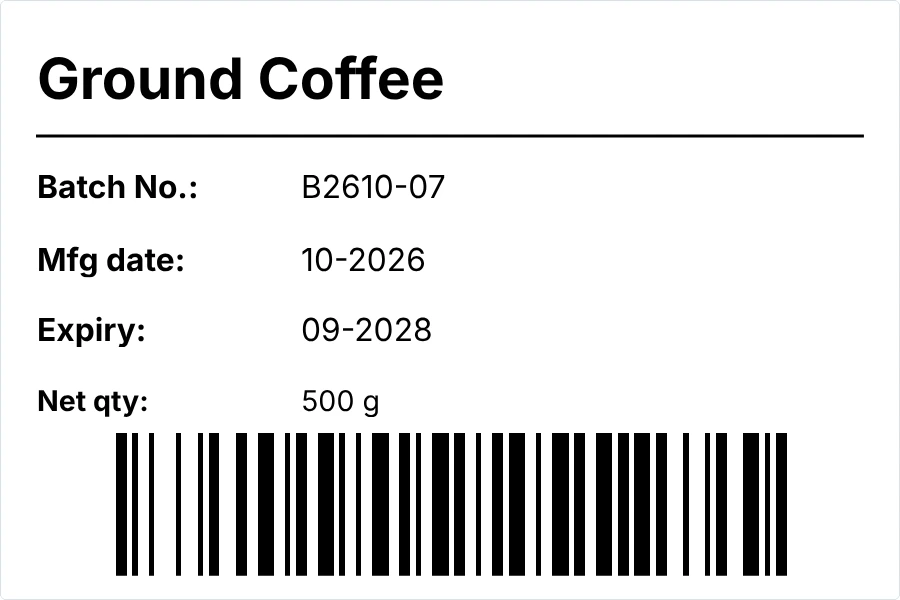
What’s on it
- Product name
- Batch number
- Manufacture date and expiry date
- Net quantity
- The batch number as a barcode
Change any of it in the editor: text, sizes, your logo, or the label size.
Print it in 3 steps
Open the template
It opens in your browser with empty boxes for your details. No sign-up needed to try it.
Type your details
The product, its batch number and dates. The barcode follows the batch number as you type it.
Print or save a PDF
On A4 label sheets with a normal printer, or on a label roll. Print one first and check it before you print many.
Questions
Something else? Contact us.
Can I print a different batch on each label?
Yes, on Pro. Print from an Excel or CSV file with one row per label, or add serial numbers and dates when you print.
Which date format should I use?
The one your customers and your rules expect, such as 09-2028, 09/2028 or SEP 2028. Type the dates the way you want them printed.
Is my Excel file uploaded?
No. The file is read in your browser to make the labels.
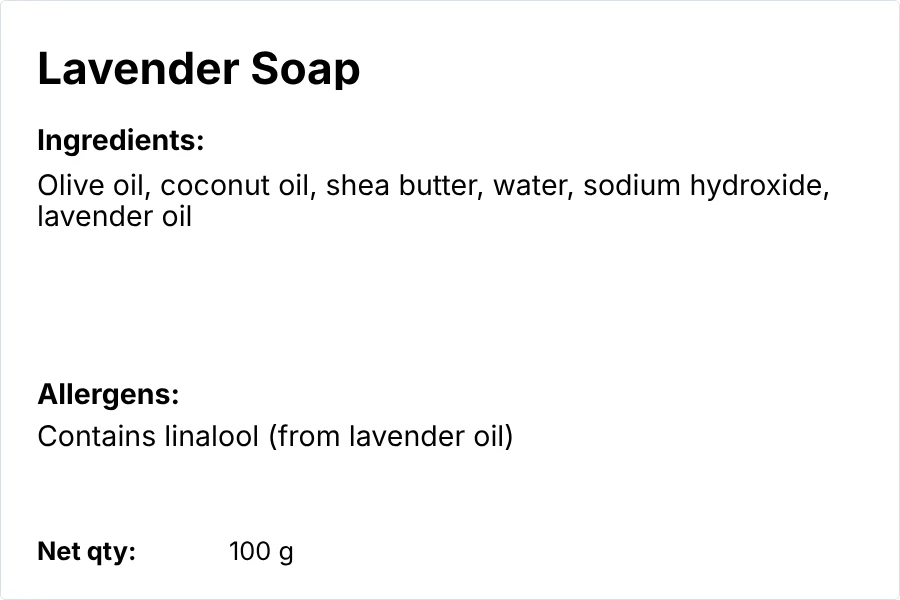
I make soap or cosmetics. Does this work with an ingredients label?
Yes. Put this small label next to the ingredients label for handmade products.
Label your next batch in minutes.
Free to try, no card needed. New accounts get a 14-day Pro trial.