
Product and barcode labels, ready to print.
An online label designer for shops, brands and warehouses. Print on A4 sheets, as a PDF or on your label printer.

 Start free. No card needed.
Try your label
Change the details. See your label update.
Enter a price such as 349 or 349.50.Enter a price such as 4.99 or 12.50.
12 digits. Tamvya adds the check digit: 3
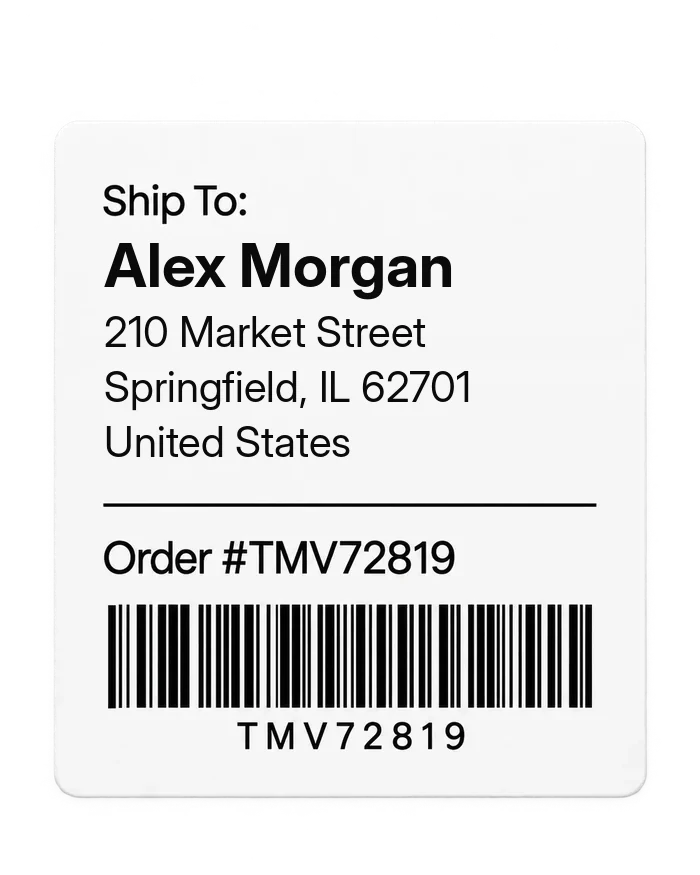
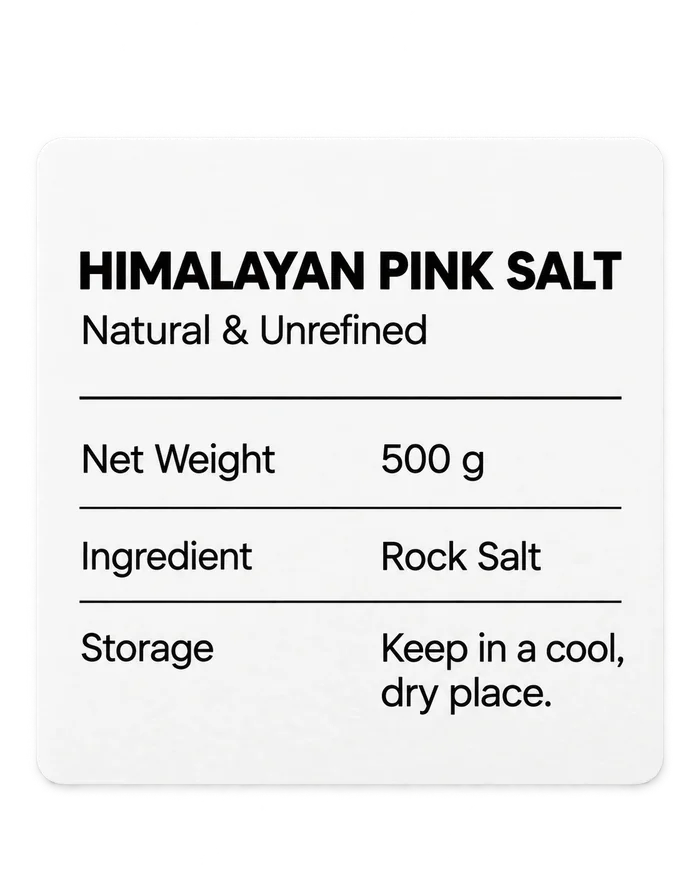
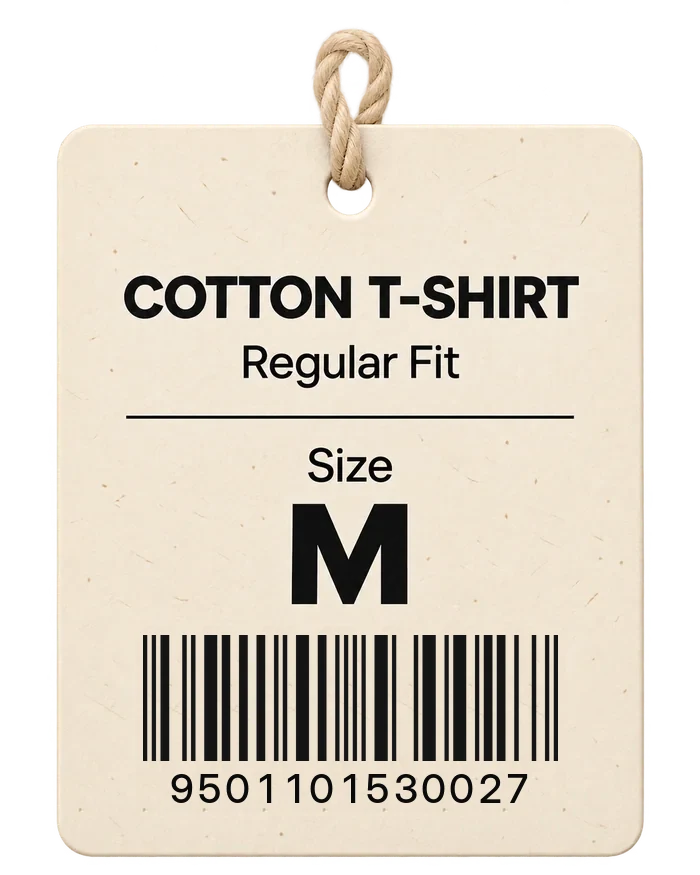
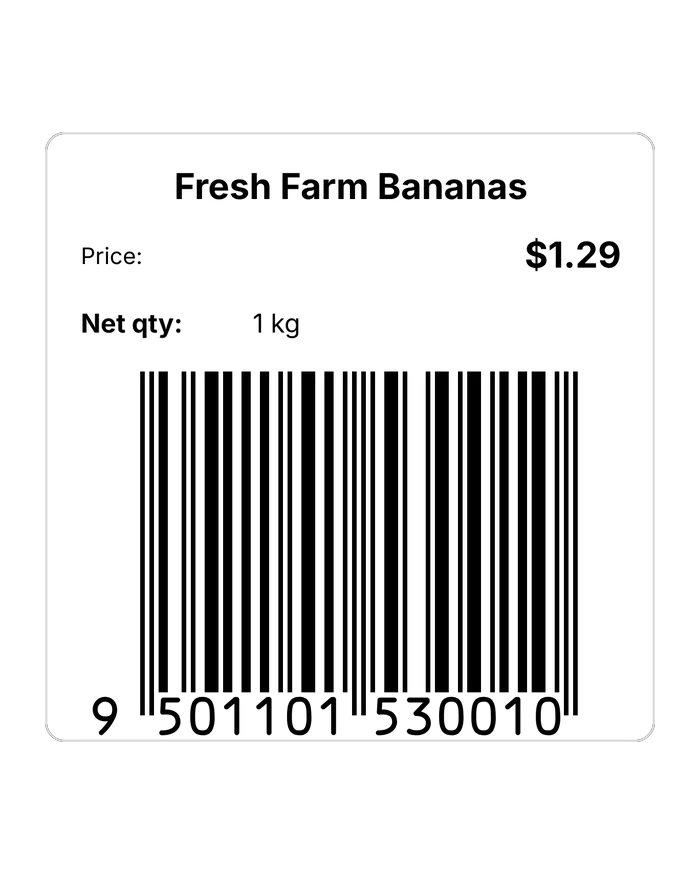
- Retail, shipping and shelf labels
- Works in your browser, nothing to install
- Prints on A4 sheets and label printers. Print a test label first.
- Free to start
From your first idea to the finished package.

Design
Start with a template or a blank canvas right in your browser.

Customize
Add your details, choose a format and make it yours.

Print
Get print-ready labels to use on rolls or sheets.
See the editor
Every template opens here. Add text, your logo, shapes, barcodes and QR codes, move anything, then preview and print.

Features
Describe it in your words. Get a draft to finish.
Type what the label is for in English, Hindi or Hinglish. Tamvya picks the closest template, sets the size and puts your words in place. You finish it in the editor.
- Only your words. Prices, weights and numbers appear only if you wrote them.
- Never a barcode number. Barcode and QR values are always typed by you, and aren’t sent to the AI.
- Change it by asking. “Make the product name bigger” works in the editor’s chat.
AI drafts use AI credits: 100 a month on Pro, 300 on Business.
Barcodes that scan, checked before you print.
Every label is checked before it goes to the printer, a PDF or a Zebra. If something needs a decision, Tamvya asks first, so mistakes don’t end up on a whole roll.
- Barcode checks. The check digit, the barcode’s size and the clear space around it.
- Layout checks. Text that doesn’t fit, boxes off the label and overlaps.
- Scan check. Point your phone or computer camera at a printed label to see that it reads the right value. It’s a reading check, not a print-quality grade.
Retail barcodes need numbers your business owns, usually from GS1 in your country. Tamvya doesn’t issue barcode numbers or certify labels against GS1 or other rules.
Business plan
Your products and stock, next to your labels.
Keep a list of your products with their barcode numbers, record stock coming in and going out, and print a product’s labels without typing its details again.
- Products & Stock. A product list, stock in and out, the history of every change, and a low-stock list.
- Excel in and out. Import your product list from Excel and export it again.
- Print from a product. Pick a product and print its labels on any of your printers.
- Scan to find. Scan a barcode with your camera or scanner to open that product.
A HEAD START FOR EVERY PRODUCT
Start with something good.
Make it your own.
The pictures show sample text; your copy starts with empty boxes for your own details. In 10 categories: shipping, product, food and FMCG, garments, footwear, jewellery, pharmacy, warehouse, asset tracking and handling.
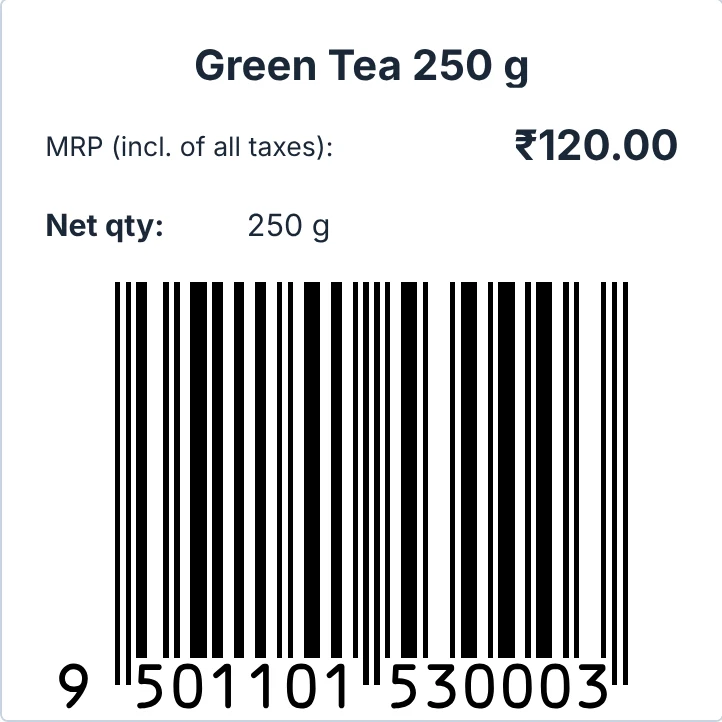
MRP price sticker
50 × 50 mm, with barcode
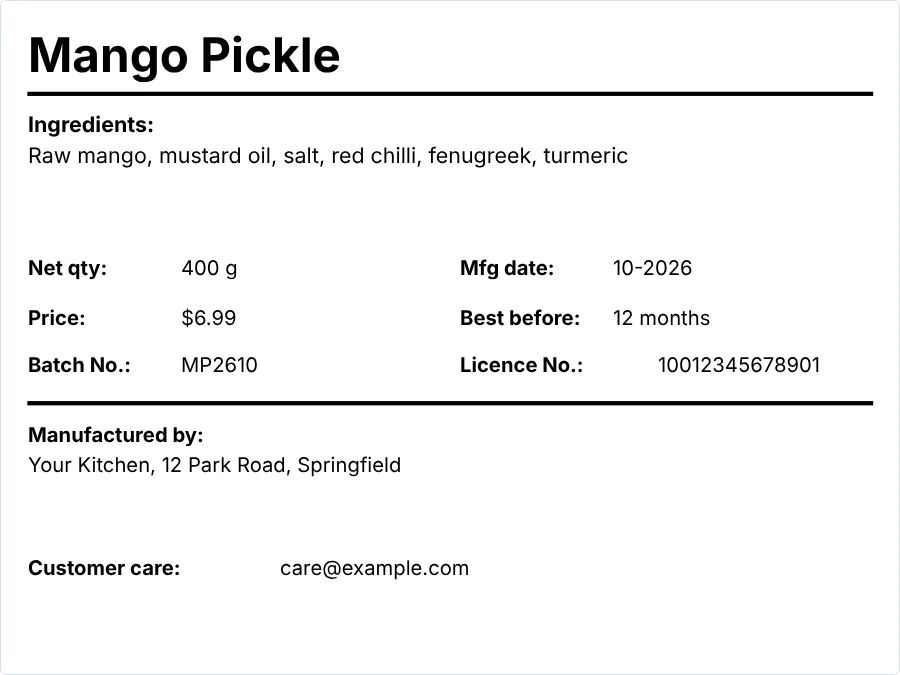
Packed food label
100 × 75 mm
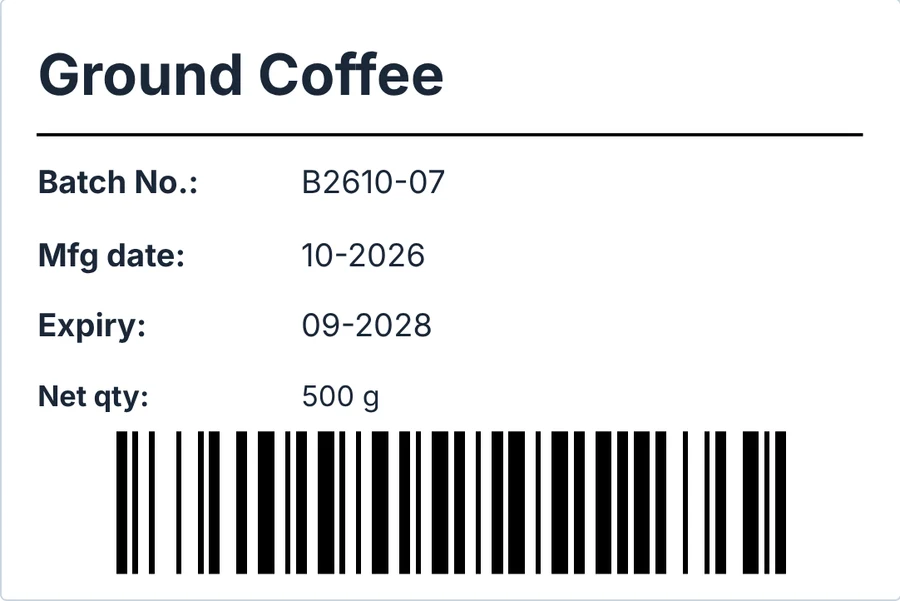
Batch and expiry label
75 × 50 mm, with barcode
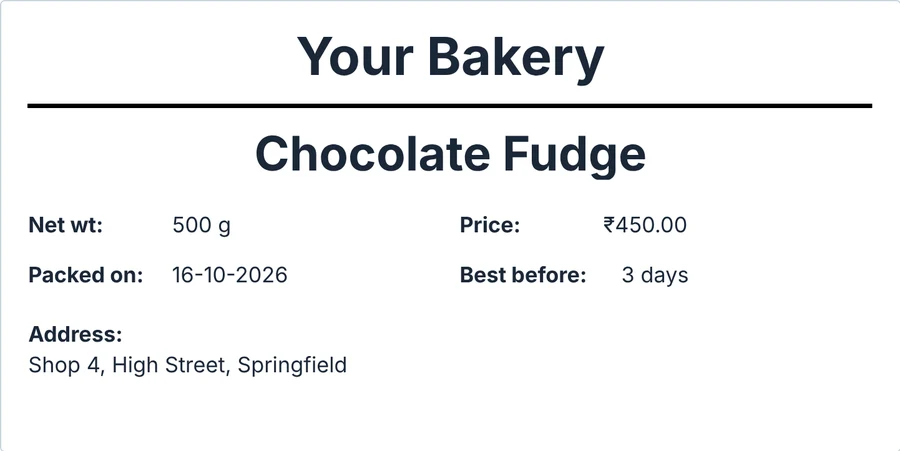
Sweets box label
100 × 50 mm
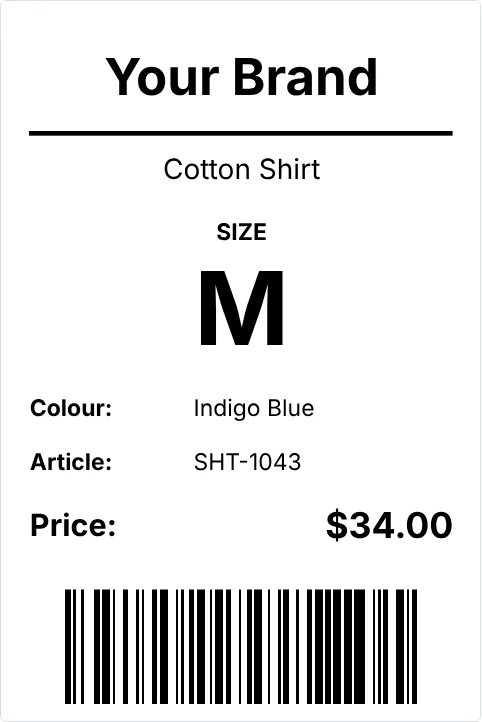
Garment hang tag
50 × 75 mm, with barcode
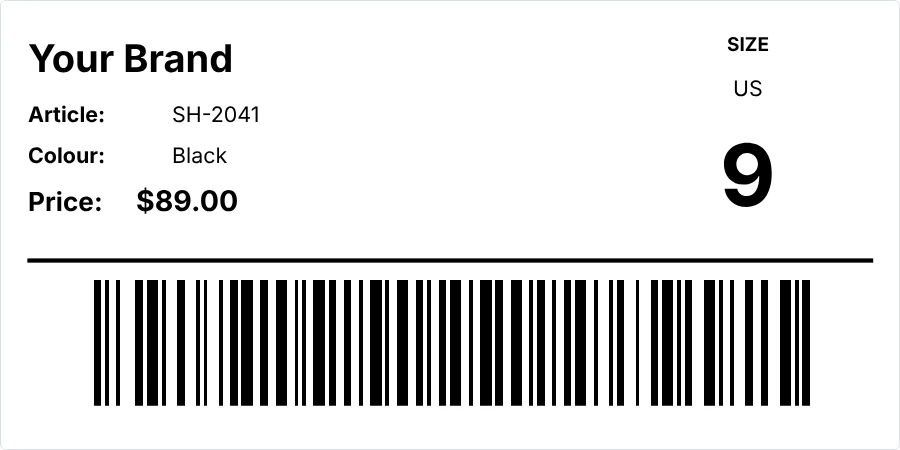
Shoe box label
100 × 50 mm, with barcode
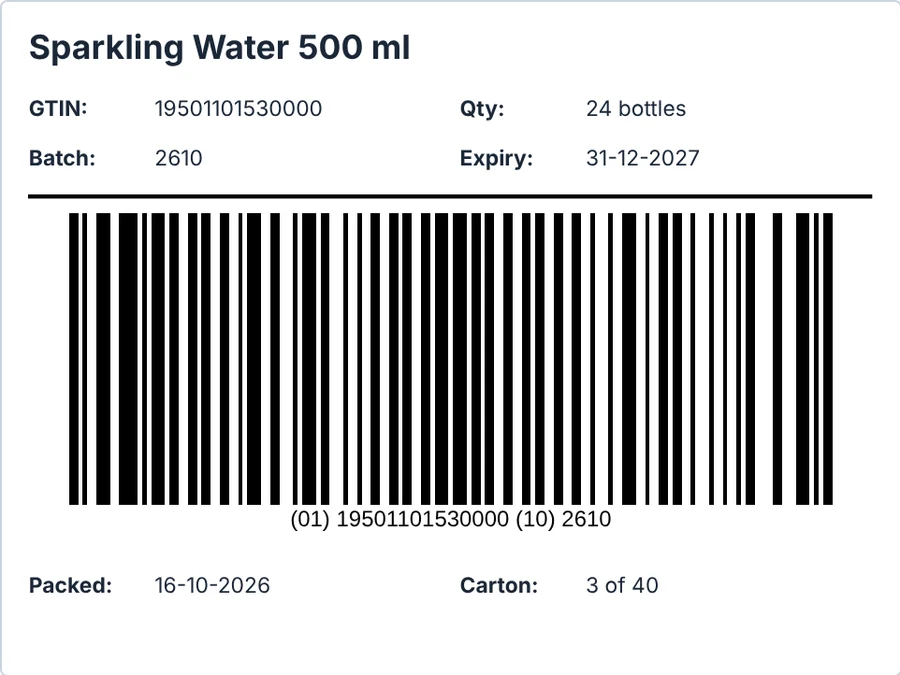
Carton label with batch and expiry
100 × 75 mm, with barcode
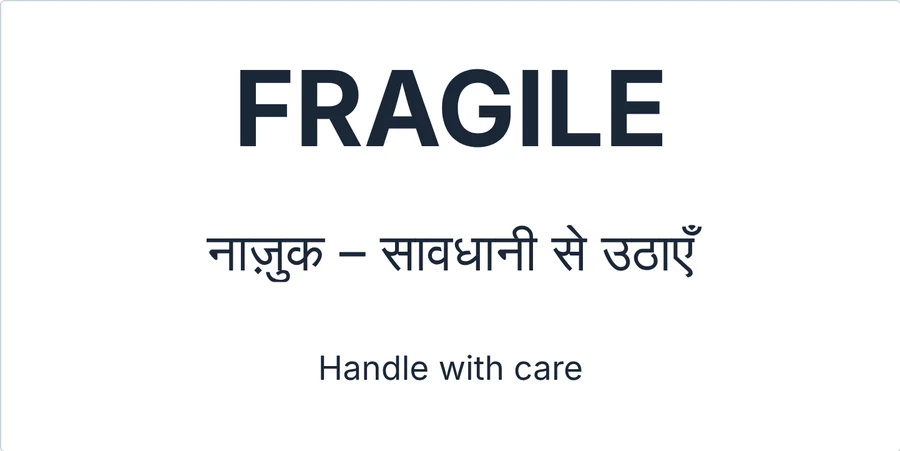
Fragile, English and Hindi
100 × 50 mm
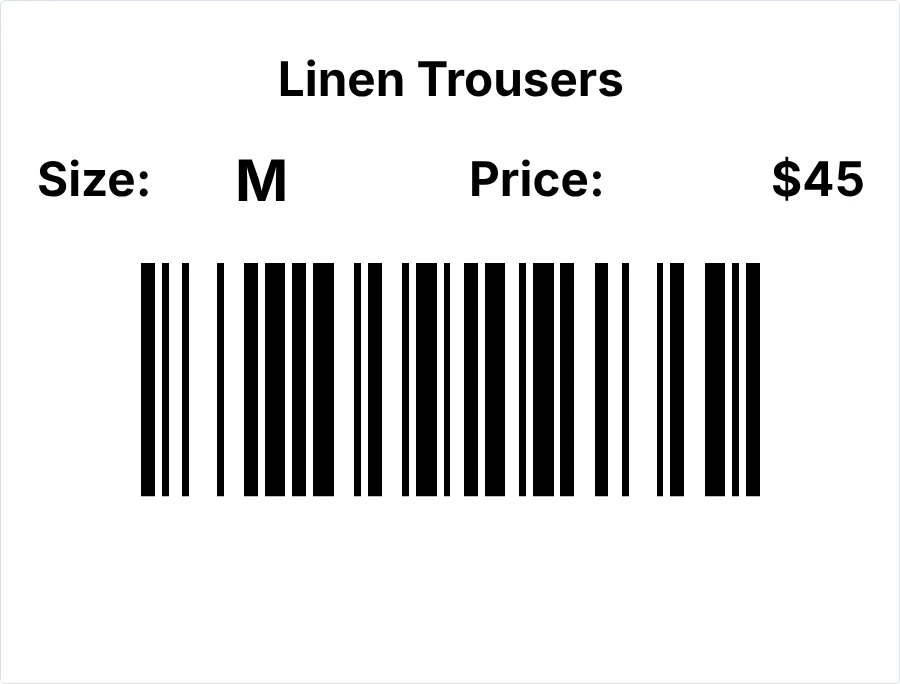
Price tag with size
50 × 38 mm, with barcode
Also: retail barcode stickers, weight and price labels, packed food labels, wash care labels, jewellery tags, medicine batch labels, pallet labels, return labels, cash on delivery labels and more.
See all template pagesBrowse all templatesQuestions, answered.
Something else? Contact us.
What is Tamvya?
Tamvya is a label maker that works in your web browser. You design product labels with text, your logo, shapes, barcodes and QR codes, start from ready templates or an AI draft, and print them on a normal printer or a label printer. On the Business plan it also keeps your product list and stock.
Do I need to install anything?
No. Tamvya runs in a modern browser such as Chrome or Edge.
Which printers can I use?
Any printer your computer can print to, through the browser’s print window or a PDF file. Zebra label printers can print from a downloaded ZPL file, and Zebra, TSC and TVS label printers can also print through their own drivers. Printers, drivers and label rolls differ, so print a test label before a large run.
How do AI drafts work?
Describe your label in your own words, in English, Hindi or Hinglish, for example “MRP sticker for 250 g masala chai, 50 × 50 mm”. The AI picks a matching template and puts your words in the right places. It doesn’t make up prices, numbers or claims, and it never creates barcode numbers: you type those yourself. Always check a draft before you print it. AI drafts use AI credits, included with Pro (100 a month) and Business (300 a month).
Do I need GS1 barcode numbers?
For products sold in shops with a retail barcode, you need barcode numbers your business owns, usually from GS1 in your country (GS1 India in India). Tamvya checks things like the check digit and the barcode size, but it doesn’t issue barcode numbers and doesn’t certify that your labels meet GS1 or any other rules. For internal labels such as shelf, asset or shipping labels you can use your own codes.
Can I print many labels from a spreadsheet?
Yes, on Pro (up to 2,000 rows per print) and Business (up to 10,000 rows per print). Choose an Excel or CSV file and Tamvya makes one label per row, with optional serial numbers and dates. The file is read in your browser and isn’t uploaded. Rows with a problem are listed by row number and left out.
Can I print on A4 label sheets?
Yes. Print on sheets of labels (A4, A5, Letter or a custom page size) on a normal printer, or on a label roll. If part of a sheet is already used, you can start at any label on it.
What is Products & Stock?
Part of the Business plan: a list of your products with their barcode numbers, stock in and out with a history of every change, a low-stock list, and Excel import and export. You can print a product’s labels straight from the list, and scan a barcode to find a product.
Is there a free plan?
Yes. The Free plan includes 3 active designs and 5 prints or exports every 30 days, with no card needed. New accounts also get a 14-day Pro trial once they confirm their email. See the pricing page for the prices in your region.
What happens to my labels if I stop paying?
Your designs stay in your account. You move back to the Free plan at the end of the period you paid for. If you have more designs than Free allows, the extra designs become view-only until you upgrade again or archive some.
BIG THINGS START WITH A LITTLE LABEL.
Make your next
great first impression.
Start on the Free plan, with a 14-day Pro trial for every new account. No card needed.